
Dashboard
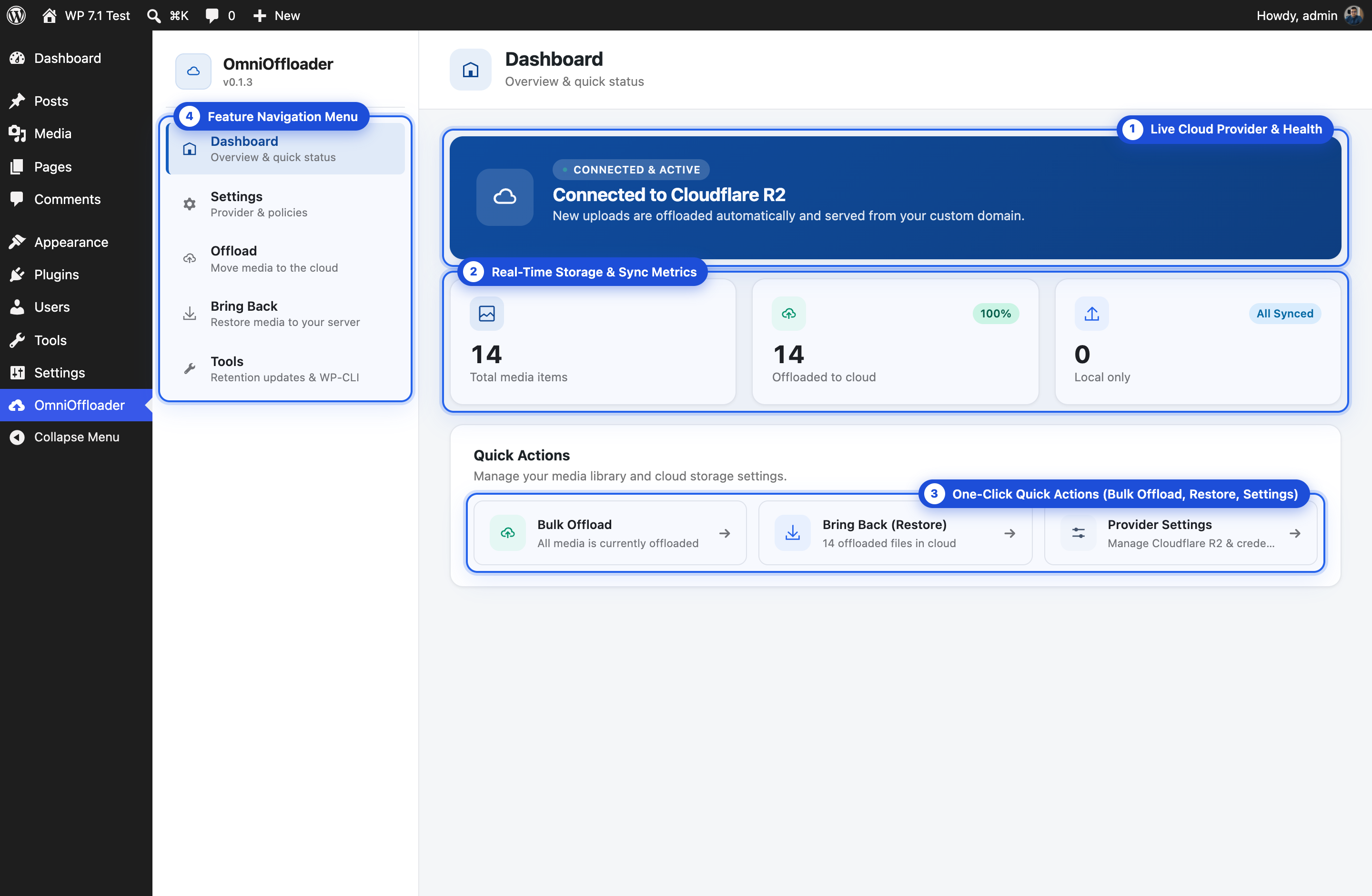
OmniOffloader → Dashboard is the first screen you see. It shows whether offloading is active, your media counts, and where your storage goes.
Status and media counts
Section titled “Status and media counts”- Active / Safe mode / Setup Required: whether new uploads are being offloaded, and to which provider.
- Total media items, Offloaded to cloud (with the share) and Local only (media not offloaded yet). Click a count to open the Offload screen.
Storage
Section titled “Storage”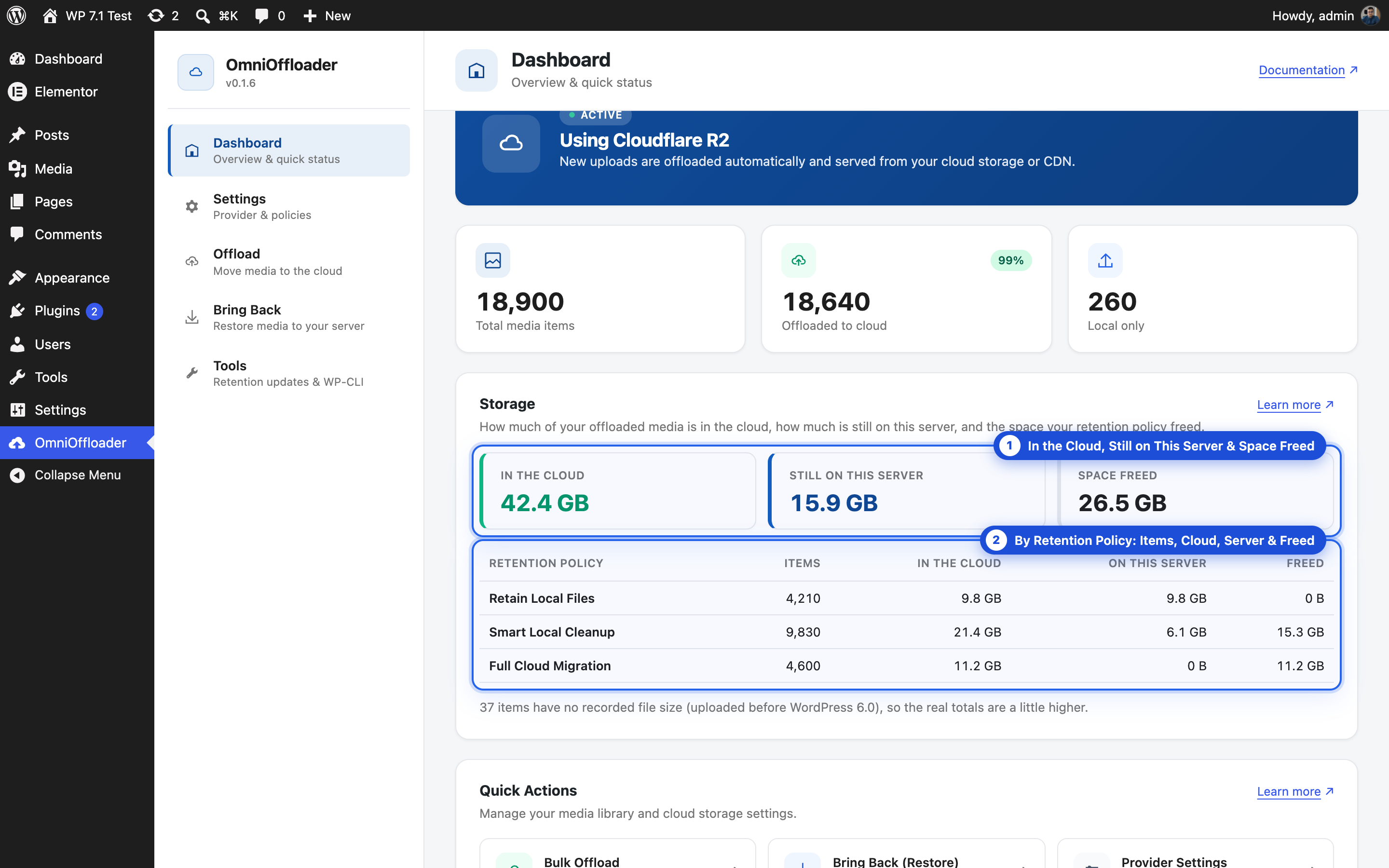
The Storage card shows, for your offloaded media:
- In the cloud: every offloaded file, the original and every image size.
- Still on this server: the files your retention policy keeps on your server. With Retain Local Files that is everything; with Smart Local Cleanup, the originals; with Full Cloud Migration, nothing.
- Space freed: what the retention policy removed from your server.
Below that, a table by retention policy: how many items follow each policy, and their bytes in the cloud, on the server and freed. Media keeps the policy it was offloaded (or last updated) with, so after you change the policy the table can show more than one row. Apply the new policy to existing media from the Tools screen.
The totals are kept up to date as your media changes, so the card shows at once, however large your library is.