
Mirror Delete
With Mirror Delete on, deleting an attachment in WordPress also deletes its files from your cloud storage: the original and every generated size.
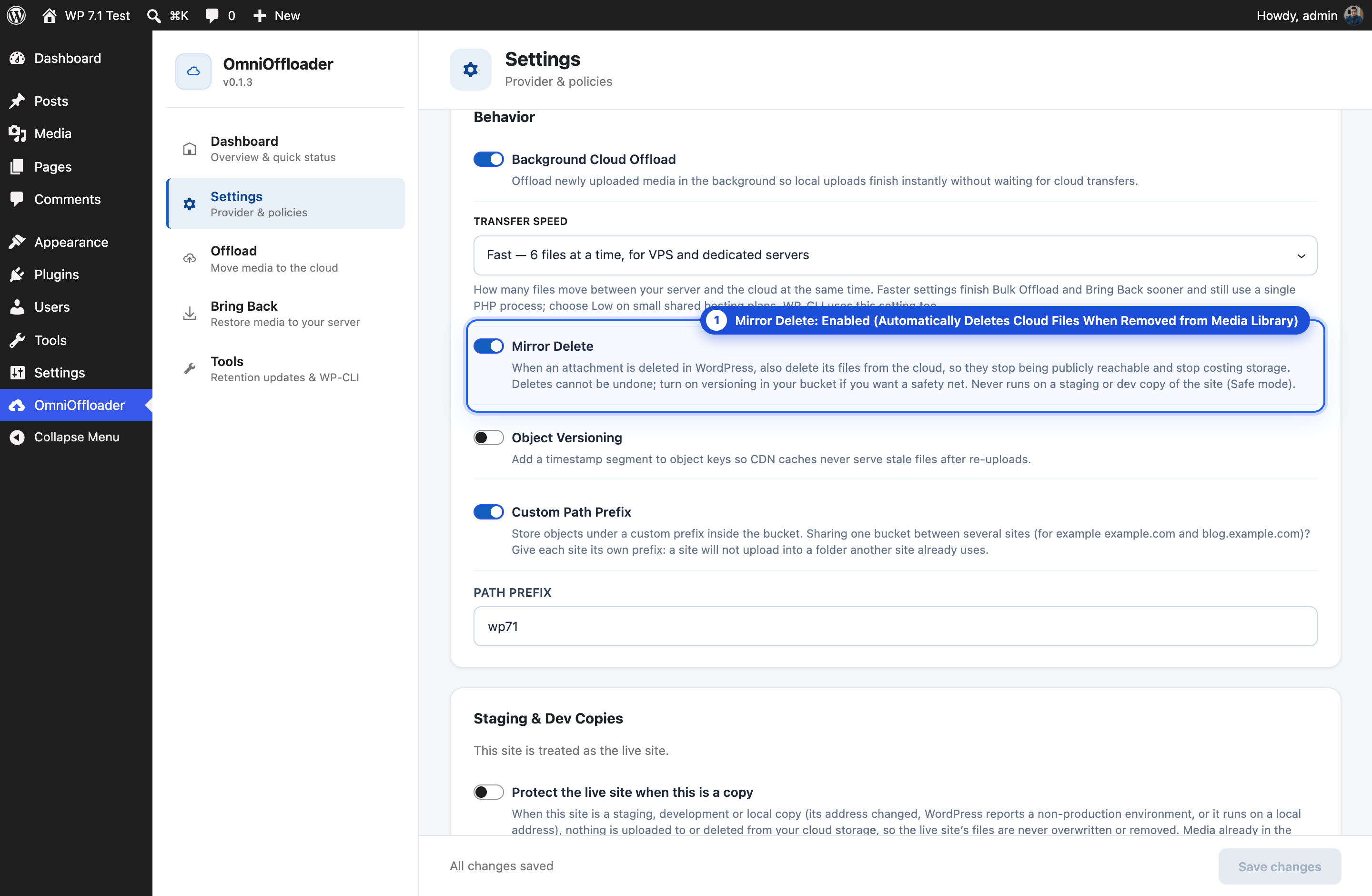
This way, deleted media stops being publicly reachable from your bucket or CDN, and you stop paying to store it.
Default setting
Section titled “Default setting”- New installs: Mirror Delete is on by default.
- Existing sites: keep the setting they already had. Updating the plugin never changes it.
Change it in Settings → Behavior → Mirror Delete.
When it runs
Section titled “When it runs”Mirror Delete runs when an attachment is deleted permanently in WordPress, for example with Delete permanently in the Media Library. It only affects attachments that were offloaded.
It only deletes from the provider that is active now. An attachment that was offloaded to a different provider, before you switched, is not deleted from that old provider.
When it never runs
Section titled “When it never runs”- On a staging, development or local copy of your site. A copy must never delete files the live site still serves. See Safe mode.
- When the bucket folder belongs to another site. See Sharing one bucket.
Deletes cannot be undone
Section titled “Deletes cannot be undone”A file deleted from your bucket is gone. If you want a safety net, turn on object versioning in your bucket at your storage provider (for example, S3 Versioning). The provider then keeps older versions of deleted files for a while.
Who can delete
Section titled “Who can delete”Users keep their normal WordPress rights: they delete their own media. With Mirror Delete on, their deletes also remove the cloud copy. Moving media between the server and the cloud (Offload and Bring Back) stays limited to administrators.
For developers
Section titled “For developers”Change which object keys are deleted with the omnioffloader_attachment_delete_keys filter. See Hooks.