
Transfer Speed
Transfer Speed (in Settings → Behavior) sets how many files are uploaded or downloaded at the same time.
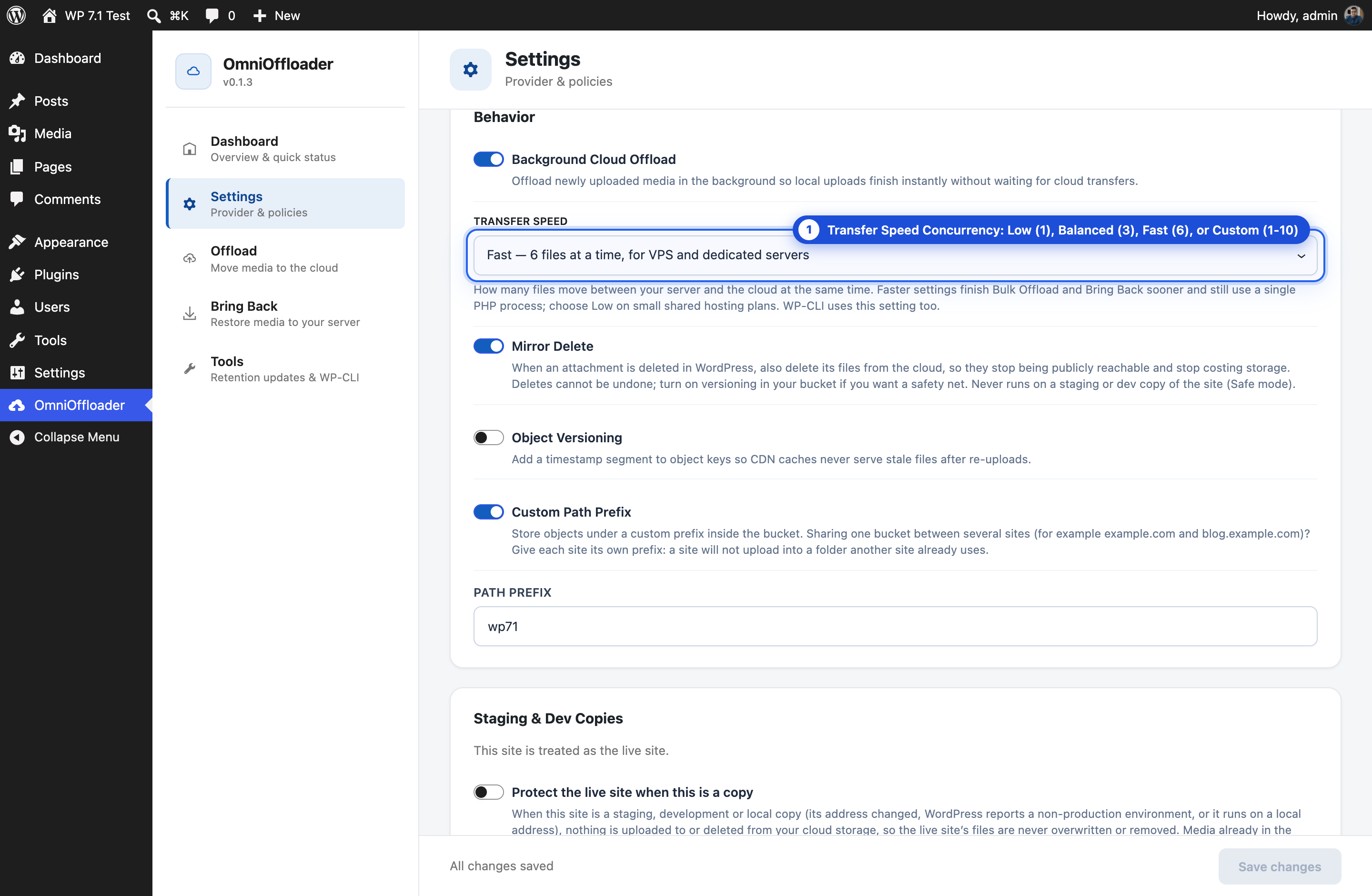
| Setting | Files at the same time | Best for |
|---|---|---|
| Low | 1 | Small shared hosting plans; lowest resource use |
| Balanced (default) | 3 | Most sites |
| Fast | 6 | VPS and dedicated servers |
| Custom | 1 to 10 (you choose) | Fine-tuning for your server |
Always one PHP process
Section titled “Always one PHP process”Every setting runs inside a single PHP process. A faster setting does not start extra workers. Instead, it overlaps the time spent waiting on the network. Each extra file only adds a little memory and bandwidth.
At any speed above Low, a few attachments also share one batch, and their main files are confirmed in the bucket together.
What it affects
Section titled “What it affects”The setting matters most when you move media that is already in your library:
- Bulk Offload
- Media Library bulk actions
- Bring Back
- Applying a retention policy to existing media
- WP-CLI commands such as
wp omnioffloader offload - Large multipart uploads (files above 64 MB)
New uploads also follow it, but they are offloaded in the background as they arrive, so you rarely notice their speed.
Which one should I choose?
Section titled “Which one should I choose?”- Start with Balanced.
- On a small shared plan, or if your host reports high resource use, choose Low.
- On a VPS or dedicated server, try Fast.
- Use Custom if you want a number between these.
For developers
Section titled “For developers”Override the number of files with the omnioffloader_transfer_concurrency filter. See Hooks.